
Windows
Missing Media Feature Pack
It is not installed by default on the "N" editions of Windows
You need to install the missing component if you see the Media Feature Pack not available or MEDIA_FEATURE_PACK_NOT_AVAILABLE errors
Installation
The instructions below are based on the official ones from Microsoft
If you have any pending updates, update your PC first
Having pending updates could prevent the Media Feature Pack from being installed
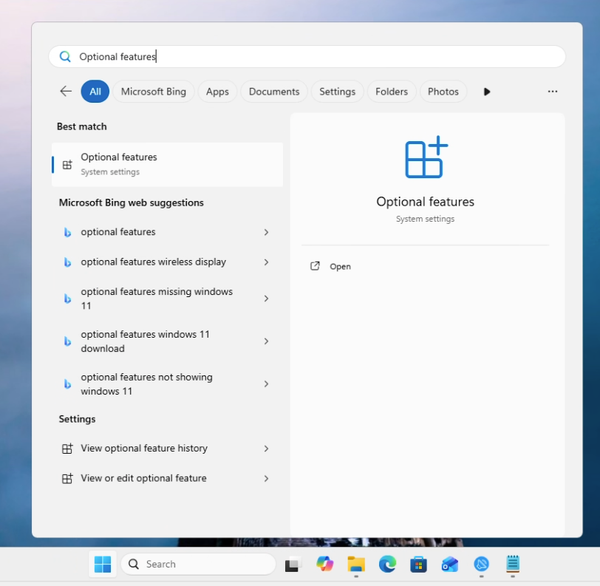
Search for Optional Features in the start menu
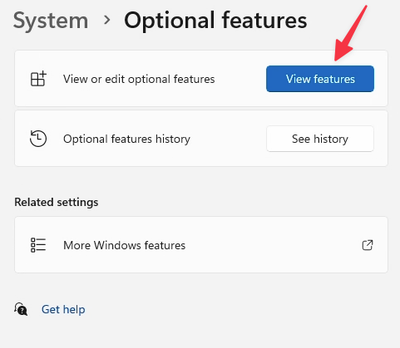
Click on View features
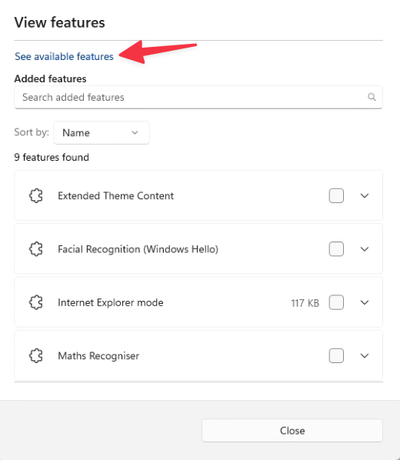
Click on see available features
Search for Media Feature Pack and enable it
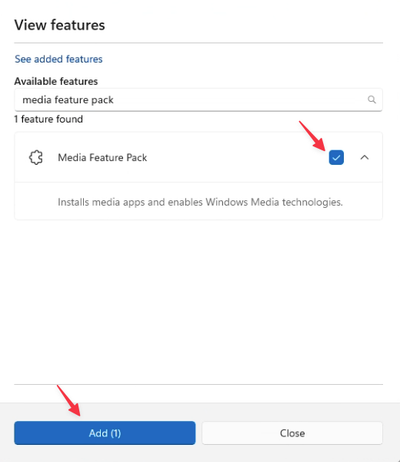
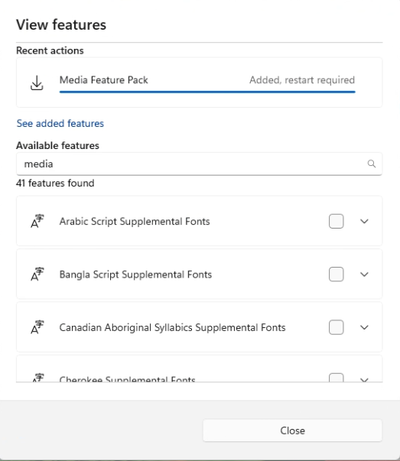
The installation can take a few minutes
Restart your PC when the installation is finished
Installation failed
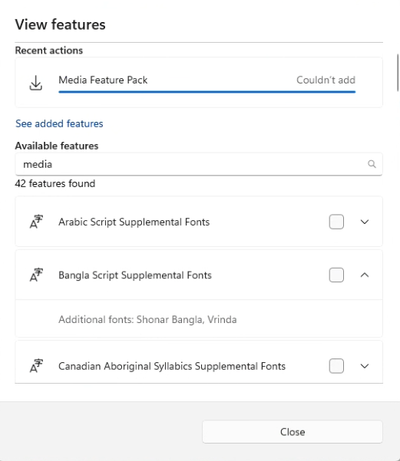
It could be because your PC has pending updates, in that case:
- Install them and restart your PC.
- Try again
- Otherwise, close the View features window and try again